Roblox Coloring Game – CrazyGames’ Cute Coloring Blast
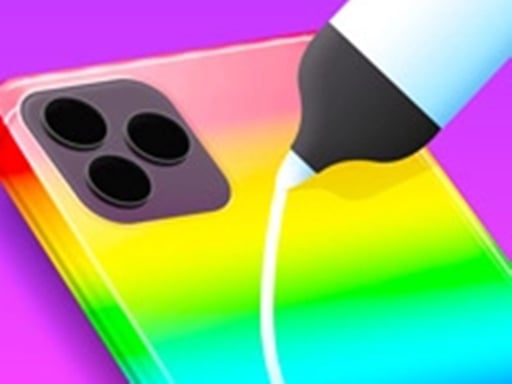
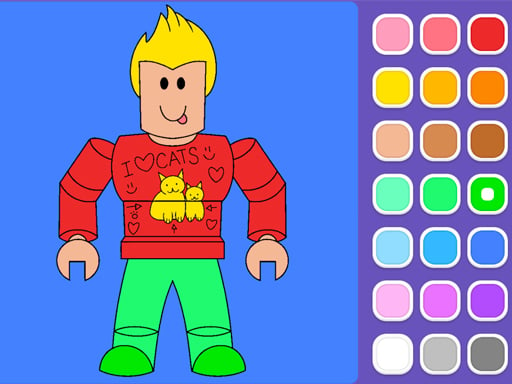
Fans of Roblox and bright, splashy art finally get a single spot to satisfy both cravings. Twelve fresh pages, hundreds of stickers, and three playful drawing modes turn a simple coloring session into a nonstop party. Kids and casual gamers alike grab a brush, pick a palette, and watch a blank canvas explode with personality. The result? Pure, unstoppable fun that feels as fresh as a new Roblox update.
How to Play
Controls are stripped down to the essentials, so you spend more time creating and less time fumbling with menus. The game runs instantly in any browser thanks to HTML5, making it perfect for both desktop rigs and on‑the‑go sessions.
- On PC: Mouse click or drag to paint, outline, or launch fireworks.
- On Mobile: Finger clicks or drag to paint, outline, or launch fireworks.
Tips & Tricks
Stay ahead of the boredom curve by mixing the three drawing modes. Start with a bold outline, fill in with vivid Coloring, then sprinkle fireworks for that extra wow factor. The sticker stash is massive—layer glittery stars under a pastel backdrop for a professional‑grade finish. Because the game is educational at heart, challenge yourself to match the exact RGB values shown in the reference palette; it sharpens color theory while you’re having a blast. Kids love the cute UI, but seasoned players chase the hidden “masterpiece” badge by completing every page without using the undo button. That tiny risk adds a layer of strategy that keeps sessions fresh.
Ready to color outside the lines? Jump straight into the action on Roblox Coloring Game and unleash your inner artist. When the masterpiece is done, hit the share button, brag to friends, and loop back for the next page. All of this runs smooth on any device, thanks to CrazyGames’ optimized HTML5 engine. For more instantly playable titles, swing by CrazyGames and keep the fun rolling.
On PC Mouse click or drag to play On Mobile Finger clicks or drag to play