Noob VS. Choo-Choo Charles – CrazyGames Runner Showdown
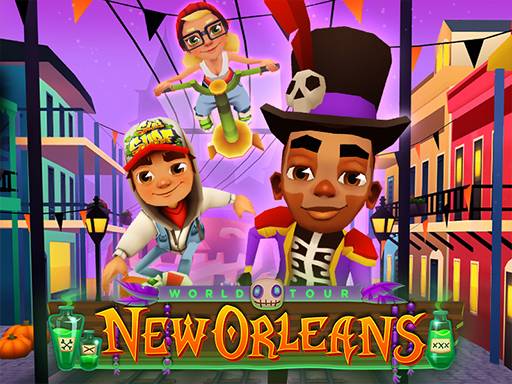
Two rivals, one endless track. Noob sprints through chaotic city streets, desert dunes, and eerie forests while a hulking monster train, Choo‑Choo Charles, barrels after him. Every second counts; dodge, jump, and collect diamonds before the train smashes you. The game’s 3D visuals and hyper‑casual vibe make it perfect for a quick run on Android or desktop. If you love the frantic pace of Subway Surfers and the blocky charm of Minecraft, this adventure will keep your thumbs buzzing.
Mechanics are simple but demand reflexes. Tap to jump, swipe to slide, and keep an eye on the obstacle queue. The goal is to avoid trains, spikes, and falling debris while gathering a massive collection of diamonds for a soaring highscore. The Unity3D engine ensures smooth running on both mobile and PC, and the game feels right at home on any Android device or browser.
- Controls on computer: A – move left, D – move right, Right arrow – move right, Left arrow – move left.
- Controls on the mobile phone: Swipe left or right across the screen.

Master the Run, Beat the Highscore
Success isn’t just about speed; it’s about timing. Learn the pattern of each obstacle and plan your lane changes before the train appears. Collecting diamonds fuels a bonus multiplier that pushes your highscore higher—perfect for kids and seasoned gamers alike. Unlock new skins for Noob by reaching milestone scores, and watch your collection grow. The more you run, the more you understand the rhythm of the train’s approach, turning each session into a rewarding loop of improvement.
Play Now on CrazyGames
Ready to outrun the monster train? Jump straight into the action on CrazyGames and experience the thrill of Noob VS. Choo-Choo Charles. The fast‑paced, obstacle‑filled run is perfect for a quick break or an extended marathon. Hit play, smash that highscore, and join the growing community of hyper‑casual fans who can’t stop running.
Controls on computer A - character movement to the right D - character movement to the left Right arrow - character movement to the right Left arrow - character movement to the left Controls on the mobile phone Swipe left or right across the sc