Mini Cars blows up the streets on CrazyGames
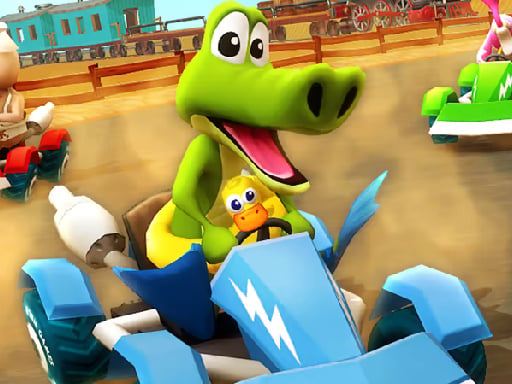
Fast‑paced, cartoon‑styled chaos lands on your browser. Pick a sleek ride or a hulking tank and race through neon‑lit cityscapes. The game feels like a slice of 3D Games action, but it runs smooth on any device thanks to Unity3D and WebGL. If you love Cars that scream personality, this is the pick‑up you’ve been waiting for.
Mini Cars Controls
Master the throttle and dominate every mode with a handful of keys. The layout is simple, but the combos keep the adrenaline pumping.
- W / S – Gas and brake.
- Up / Down arrows – Alternative gas and brake.
- A / D – Steering left and right.
- Left / Right arrows – Steering alternatives.
- Left Mouse Button (hold) – Activate the special ability.
- Space – Handbrake for tight drifts.
- Left Shift – NOS boost for those burst‑speed moments.
- I – Start or stop the engine.
- L – Toggle headlights, perfect for night races.
- Q – E – Z – Quick‑access shortcuts for power‑ups.
Pro Tips to Keep the Fun Rolling
Start in Free Ride mode to learn the map and collect coins. Switch to Highway when you’re comfortable weaving through traffic—speed and timing matter. In Arena, aim for head‑on collisions to knock opponents out. Upgrade your vehicle with collected coins; a stronger engine and better NOS can turn a modest car into a unstoppable force. Remember to use the handbrake on sharp corners to maintain momentum, and keep your headlights on for night‑time visibility.
Ready to rev up your browser? Jump into Mini Cars now and feel the rush on CrazyGames. The streets are waiting—hit the gas and claim the top spot.
WS up and down arrow keys for Gas Brake AD left and right arrows for steering Left Mouse Button Hold for special ability Space to use handbrake Left Shift for NOS I to Start Stop Engine L to toggle headlights Q-E-Z for