Controls
- W / up arrow key = move forward
- S / down arrow key = move backward
- A / left arrow key = turn left
- D / right arrow key = turn right
- Alt = nitro
- R = respawn
- E = kick the driver
- C = change camera view
- Tab = pause
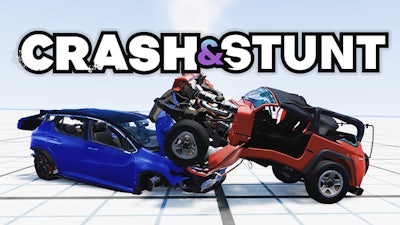


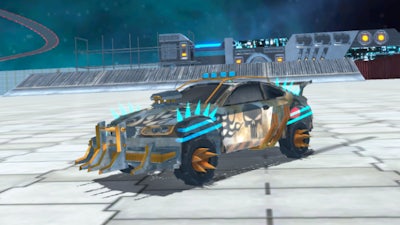
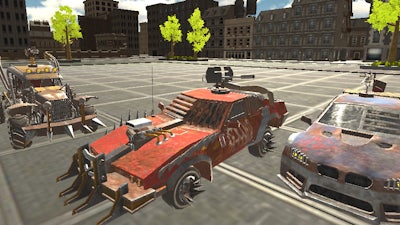
Crash & Stunt throws you into a high‑octane 3D crash simulation where every turn can become a spectacular stunt. The physics feel real, the ragdoll jumps look insane, and the car handling is razor‑sharp. Miss a curve? Watch the metal bend. Nail a perfect drift? Feel the rush of pure speed. This isn’t just another driving game—it's a test of reflexes, timing, and pure adrenaline. If you love tearing up tracks and watching the chaos that follows, you’ve just found your next obsession.
Master the arena with a clean, keyboard‑only layout. Every key does exactly what it says—no guesswork, just instant action.
Winning isn’t about outright speed; it’s about mastering the art of drifting and chaining high‑risk stunts. Start each round by warming up the nitro, then line up for a tight corner. A well‑timed drift lets you keep momentum while the camera tracks the chaos. Look for ramps and breakable barriers—hitting them at the right angle multiplies your score. Upgrade your car between runs to boost handling and crash resistance. The deeper you go, the tougher the tracks become, but each new obstacle fuels the urge to push harder.
Jump into the action on Crash & Stunt and feel the impact of every collision. CrazyGames hosts the smoothest browser‑based experience, so no downloads, no lag—just pure, instant thrills. Hit the road, smash the limits, and claim the top spot on the leaderboards. The asphalt is waiting.

We use cookies to help you navigate efficiently and perform certain functions. You will find detailed information about all cookies under each consent category below.
The cookies that are categorised as "Necessary" are stored on your browser as they are essential for enabling the basic functionalities of the site.
Necessary cookies are required to enable the basic features of this site, such as providing secure log-in or adjusting your consent preferences. These cookies do not store any personally identifiable data.
Functional cookies help perform certain functionalities like sharing the content of the website on social media platforms, collecting feedback, and other third-party features.
Analytical cookies are used to understand how visitors interact with the website. These cookies help provide information on metrics such as the number of visitors, bounce rate, traffic source, etc.
Advertisement cookies are used to provide visitors with customised advertisements based on the pages you visited previously and to analyse the effectiveness of the ad campaigns.
We also use third-party cookies that help us analyse how you use this website, store your preferences, and provide the content and advertisements that are relevant to you. These cookies will only be stored in your browser with your prior consent.
You can choose to enable or disable some or all of these cookies but disabling some of them may affect your browsing experience.