Build with Cubes 2 – Your Next 3D Block Playground
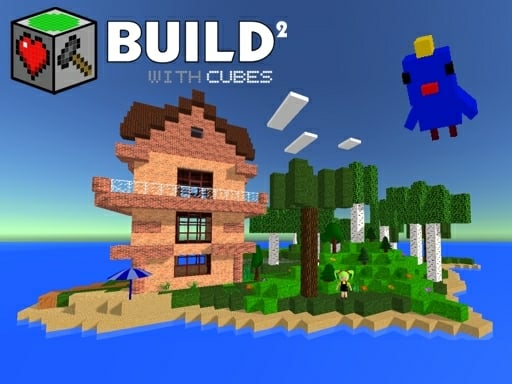
Imagine a sandbox where every brick reacts to your ideas in real time. Build with Cubes 2 drops you into a vibrant World of voxels, physics, and limitless Creation. The moment you start stacking, the game feels like a fresh take on classic Minecraft vibes, but with tighter controls and a sleek WebGL engine. If you love shaping landscapes, testing crazy contraptions, or just watching blocks bounce, this is the spot.
Mechanics
Master the controls, then let the environment obey.
- Arrow keys WASD to move around and control flight
- hold LMB and move mouse to rotate camera
- Spacebar - to jump
- E to pick up objects
- LMB click to select block and place new one
- RMB to destroy any block and picked object
- Z and Q - create portals
Strategy
Start simple. Lay a foundation of sturdy bricks, then layer height with ramps or towers. Use the portal gun to shortcut travel across your sprawling city – it saves time and adds puzzle flair. Experiment with Physics objects: drop a ball, set a TNT block, watch the chain reaction. The more you mix bouncy dice, trampolines, and moving platforms, the richer your playground becomes.
Keep an eye on resource balance. Overloading a single area with blocks can slow the WebGL render, so spread your builds. When you’re ready, flip to fly mode, mirror structures, and watch your designs multiply. Adding entities—animals, NPCs, or musical note blocks—turns a static build into a living scene. Remember, a well‑placed portal can turn a maze into a speedrun.
Ready to stack, smash, and shape? Jump into Build with Cubes 2 now and see why CrazyGames fans call it the ultimate 3D Games sandbox. Your next masterpiece is only a click away.
Arrow keys WASD to move around and control flight hold LMB and move mouse to rotate camera Spacebar - to jump E to pick up objects LMB click to select block and place new one RMB to destroy any block and picked object Z and Q - create portals