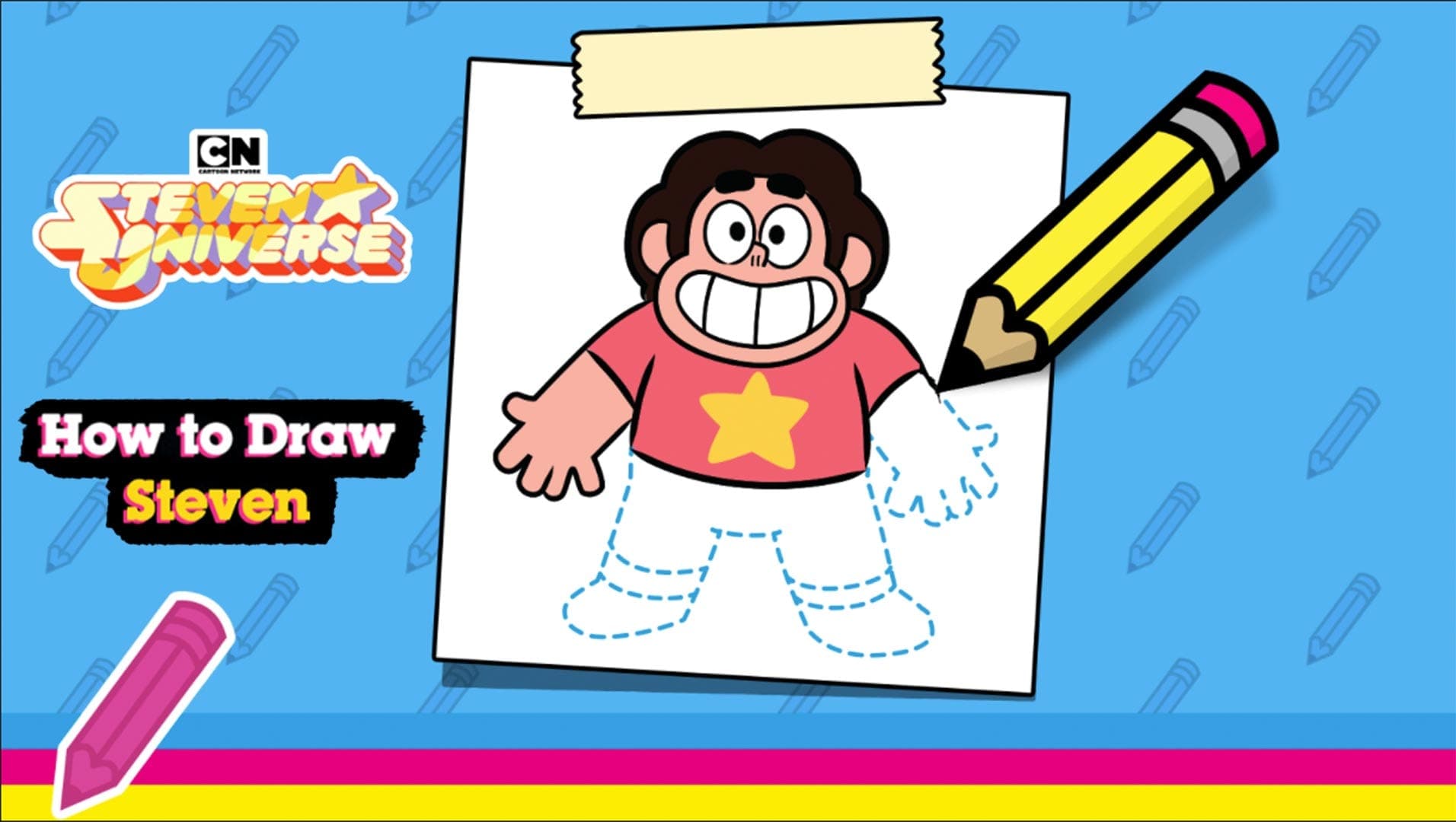
Steven | How to Draw


Ever wished you could nail Steven’s signature grin without a tablet? This free online game lets you grab a virtual pencil and sketch the beloved Steven Universe hero right in your browser. The moment you hit “play Steven | How to Draw,” the canvas lights up, and you’re forced to follow step‑by‑step prompts that turn shaky lines into a polished portrait. It’s not just a doodle session; it’s a race against time, a test of memory, and a brag‑worthy skill you can flaunt on any chat. If you love fast‑paced art challenges, this browser game delivers the perfect blend of creativity and competition.
Controls are dead simple, so you can focus on the drawing itself. Use your mouse or touchpad to drag, click, and release exactly where the guide tells you. Follow each instruction, and the game automatically fills in the next segment, rewarding precision with points. Miss a stroke, and the timer ticks down faster, urging you to correct mistakes on the fly.
Mastering this free online game isn’t about raw speed; it’s about rhythm. Start each session by memorizing the order of the guide arrows—muscle memory will shave seconds off every stroke. When the color palette appears, pre‑select the most common hues (pink, teal, and yellow) so you can click without hesitation. Watch the on‑screen timer; a slight lag can cost you points, so keep your cursor hovering just above the next target. As you rack up higher scores, the game throws in “challenge rounds” that scramble the order, forcing you to adapt on the fly. Consistent practice will boost both your drawing precision and your reaction time, turning casual sketches into flawless finishes. CrazyGames hosts leaderboards where the top artists showcase their speed, so aim for that top‑10 spot to earn bragging rights.
Ready to prove you can sketch Steven faster than anyone else? Jump into the Steven | How to Draw browser game on CrazyGames and start racking up points. No download, no fuss—just pure, instant drawing action. Hit the play button, beat the timer, and watch your name climb the rankings. The canvas is waiting; grab that virtual pencil and show the world your art chops.

We use cookies to help you navigate efficiently and perform certain functions. You will find detailed information about all cookies under each consent category below.
The cookies that are categorised as "Necessary" are stored on your browser as they are essential for enabling the basic functionalities of the site.
Necessary cookies are required to enable the basic features of this site, such as providing secure log-in or adjusting your consent preferences. These cookies do not store any personally identifiable data.
Functional cookies help perform certain functionalities like sharing the content of the website on social media platforms, collecting feedback, and other third-party features.
Analytical cookies are used to understand how visitors interact with the website. These cookies help provide information on metrics such as the number of visitors, bounce rate, traffic source, etc.
Advertisement cookies are used to provide visitors with customised advertisements based on the pages you visited previously and to analyse the effectiveness of the ad campaigns.
We also use third-party cookies that help us analyse how you use this website, store your preferences, and provide the content and advertisements that are relevant to you. These cookies will only be stored in your browser with your prior consent.
You can choose to enable or disable some or all of these cookies but disabling some of them may affect your browsing experience.