Controls
- Left mouse button = create a unit
- Right mouse button + CTRL = delete unit
- WASD = standard movement
- WASD + Right mouse button (Hold) = alternative move
- Shift = speed up movement
- Q / E = rotate the camera



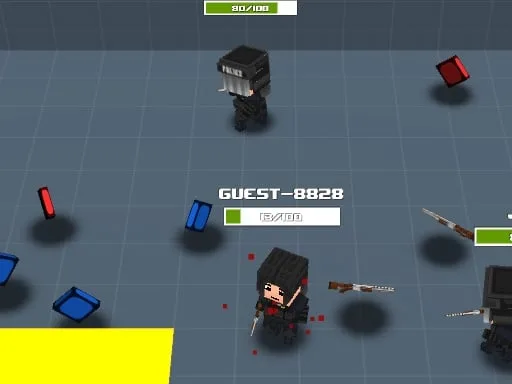
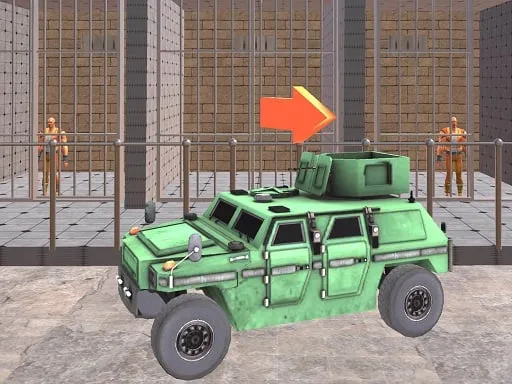
Picture a 3D war playground where you control every soldier, beast, and oddball weapon. One click, one absurd unit appears. One click, one ridiculous battle erupts. The game lets you build an army of cavemen, robots, and even laser‑armed bears, then watch the mayhem unfold in a vibrant arena. It’s a simulation that rewards crazy tactics and ruthless humor. If you love strategy mixed with pure animal‑powered insanity, this is the battle you’ve been waiting for.
The control scheme is stripped down to the essentials, letting you focus on the carnage. Click, place, watch. Move the camera, tweak the lineup, and let the war engine do the rest.
Winning isn’t about sheer numbers; it’s about the right mix. Pair a slow, tank‑like mammoth with a squad of fast‑moving ninja squirrels. Throw a minigun‑armed bear into a frontline of stone‑age spearmen and watch the enemy crumble. Upgrade units as you progress, unlocking absurd abilities that turn a simple skirmish into a full‑blown war spectacle. Experiment with terrain—high ground gives archers a punch, while narrow corridors force close‑quarters combat. Keep an eye on the army’s morale; a happy animal unit fires faster. The deeper you dive, the more bizarre combinations you discover, and the longer the arena stays fresh.
Ready to command the most ridiculous battlefield ever built? Jump into Funny Battle Simulator 2 now and start stacking your crazy army. CrazyGames brings the mayhem straight to your browser—no download, no hassle. Assemble, destroy, repeat. The arena awaits.

We use cookies to help you navigate efficiently and perform certain functions. You will find detailed information about all cookies under each consent category below.
The cookies that are categorised as "Necessary" are stored on your browser as they are essential for enabling the basic functionalities of the site.
Necessary cookies are required to enable the basic features of this site, such as providing secure log-in or adjusting your consent preferences. These cookies do not store any personally identifiable data.
Functional cookies help perform certain functionalities like sharing the content of the website on social media platforms, collecting feedback, and other third-party features.
Analytical cookies are used to understand how visitors interact with the website. These cookies help provide information on metrics such as the number of visitors, bounce rate, traffic source, etc.
Advertisement cookies are used to provide visitors with customised advertisements based on the pages you visited previously and to analyse the effectiveness of the ad campaigns.
We also use third-party cookies that help us analyse how you use this website, store your preferences, and provide the content and advertisements that are relevant to you. These cookies will only be stored in your browser with your prior consent.
You can choose to enable or disable some or all of these cookies but disabling some of them may affect your browsing experience.